Finding the right PNG image can save a designer a lot of time. Whether you are creating social media posts, website banners, thumbnails, presentations, product mockups, posters, or marketing graphics, transparent PNG assets make the design process faster and more flexible.
PNG files are especially useful because they often come with transparent backgrounds, making it easy to place objects, icons, illustrations, effects, stickers, and decorative elements directly into your design without removing a background manually.
In this article, we will explore four useful PNG resource websites for designers: CleanPNG, Vecteezy, PNGFile, and TopPNG.
Why Designers Use PNG Resources
PNG resources are helpful because they are easy to use in almost any design software. You can import them into tools like Photoshop, Illustrator, Canva, Figma, Adobe Express, or PowerPoint and quickly build a clean visual layout.
Designers commonly use PNG assets for:
Social media post design
YouTube thumbnails
Website hero sections
Blog graphics
Product mockups
Poster and flyer design
Presentation slides
Marketing banners
UI/UX design elements
E-commerce product visuals
A good PNG resource website can help you find ready-to-use graphics without spending too much time creating every element from scratch.
1. CleanPNG
CleanPNG (www.cleanpng.com) is one of the popular websites for downloading transparent PNG images. It has a large collection of PNG assets across many categories, including objects, icons, illustrations, decorations, people, food, technology, nature, and more.
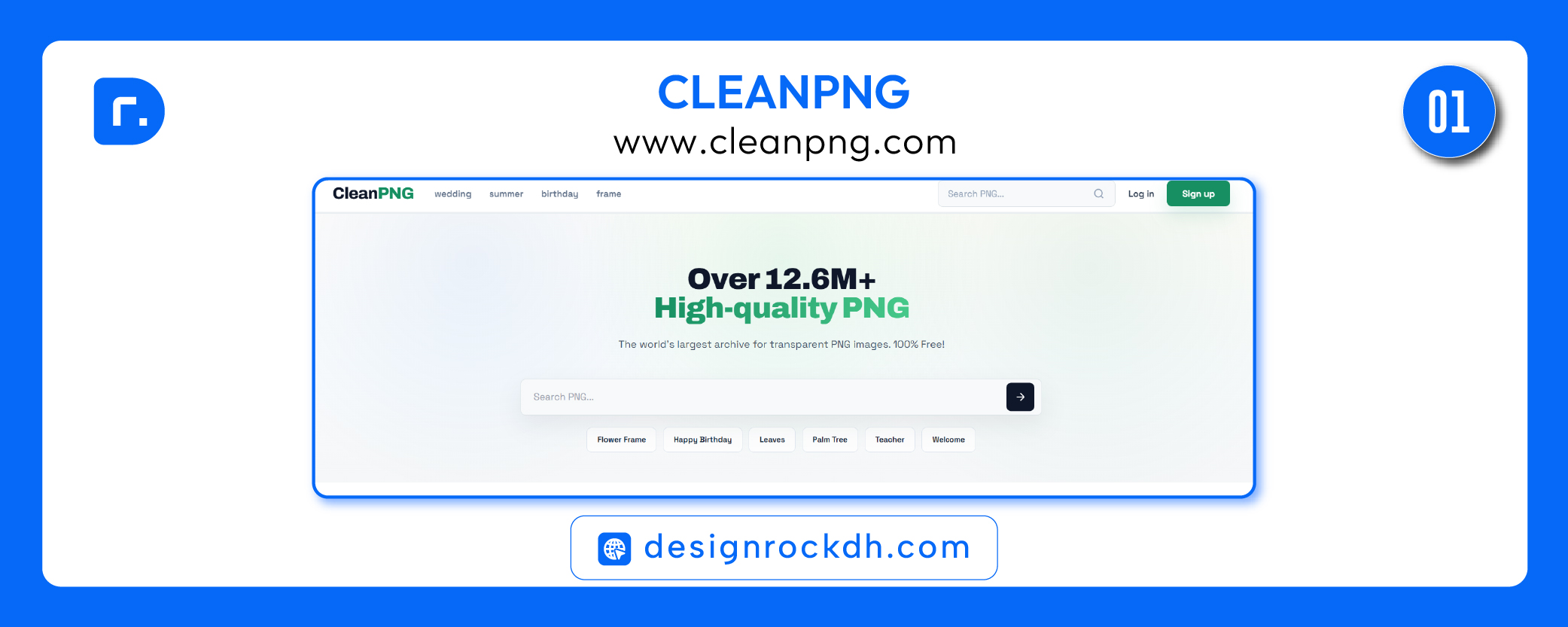
For designers, CleanPNG can be useful when you need quick design elements for social media posts, banners, thumbnails, or creative compositions.
Best for:
CleanPNG is best for finding quick transparent PNG elements for everyday design projects. It is useful when you need objects, decorative elements, illustrations, and isolated graphics.
Design use ideas:
You can use CleanPNG assets for poster design, YouTube thumbnails, blog graphics, website visuals, presentation slides, and promotional banners.
Important license tip:
Before using any PNG in a client project or commercial design, always check the usage details on the individual asset page. Free download does not always mean unlimited commercial use.
2. Vecteezy
Vecteezy (www.vecteezy.com) is a well-known design resource platform that offers vectors, PNGs, photos, videos, templates, and other creative assets. It is more structured than many free PNG websites because it includes license information and offers both free and Pro resources.
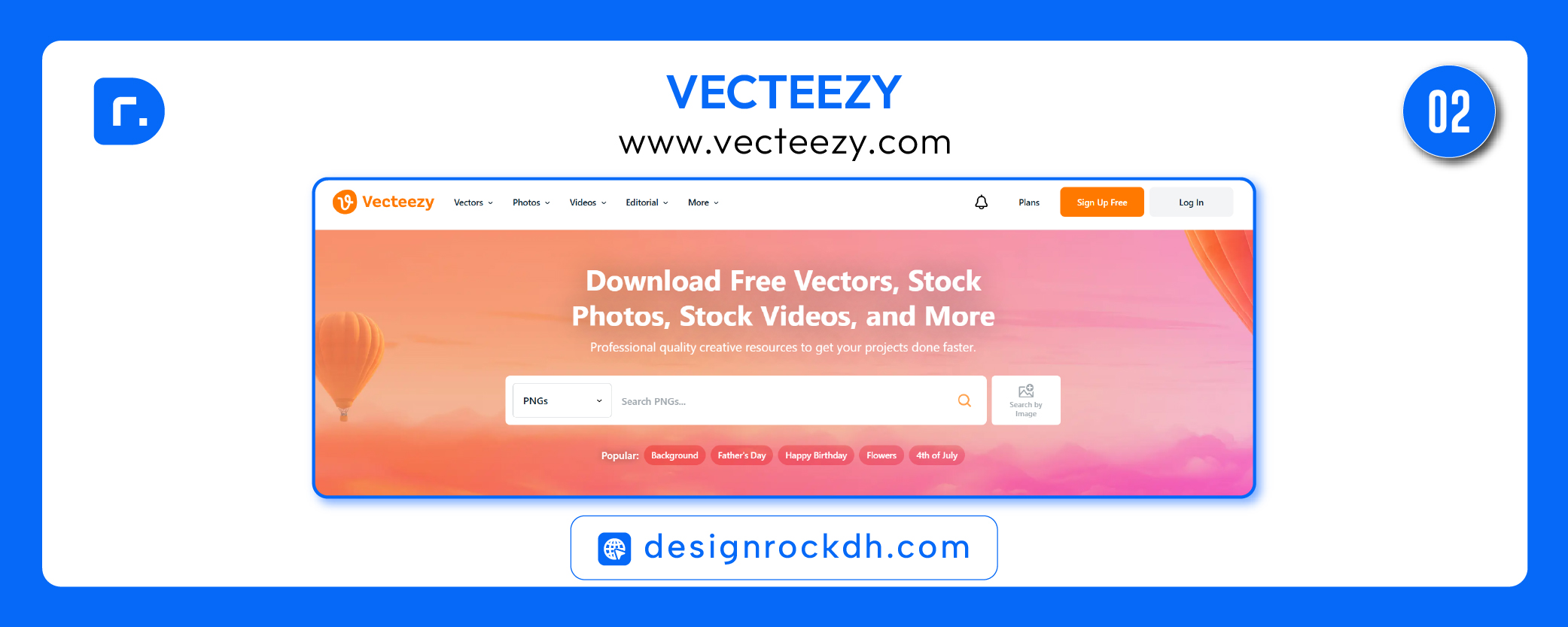
Vecteezy is a strong option for designers who want more polished and professional-looking assets. The platform is useful for commercial design work, branding visuals, advertising graphics, website elements, and social media content.
Best for:
Vecteezy is best for professional PNGs, vector-style graphics, icons, illustrations, and marketing-ready design elements.
Design use ideas:
Use Vecteezy PNGs for business posters, website sections, digital ads, presentation designs, brand campaigns, social media templates, and product promotions.
Important license tip:
Vecteezy free resources usually require attribution. If you do not want to give credit, check whether the asset is available under a Pro license or another license option. Always read the license before using assets in paid client work.
3. PNGFile
PNGFile (www.pngfile.net) is another PNG resource website where designers can browse and download transparent PNG images. It includes different categories such as objects, nature, banners, business, festive graphics, and more.
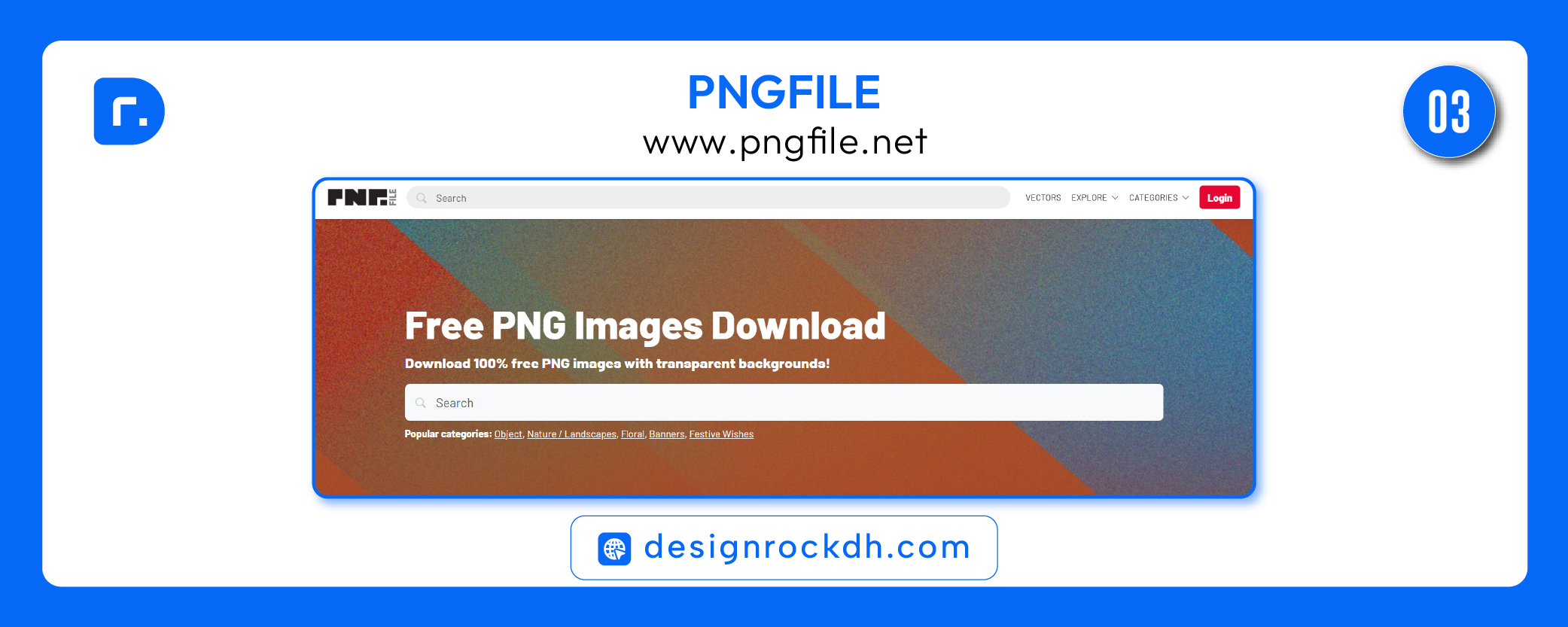
This type of website is useful when you need a quick PNG element for a design layout, especially for social media posts, flyers, banners, or presentation graphics.
Best for:
PNGFile is best for simple transparent PNG downloads across common categories like objects, banners, nature, festive design, and general creative assets.
Design use ideas:
You can use PNGFile assets for quick creative layouts, festival posts, banner graphics, marketing visuals, educational slides, and content design.
Important license tip:
Check the license or usage terms before using PNGFile assets commercially. Be extra careful with brand logos, celebrity images, cartoon characters, sports graphics, or trademarked content.
4. TopPNG
TopPNG (www.toppng.com) offers a large collection of PNG images, icons, backgrounds, templates, and visual elements. It can be useful for finding decorative PNGs, effects, stickers, celebration graphics, icons, and design elements.
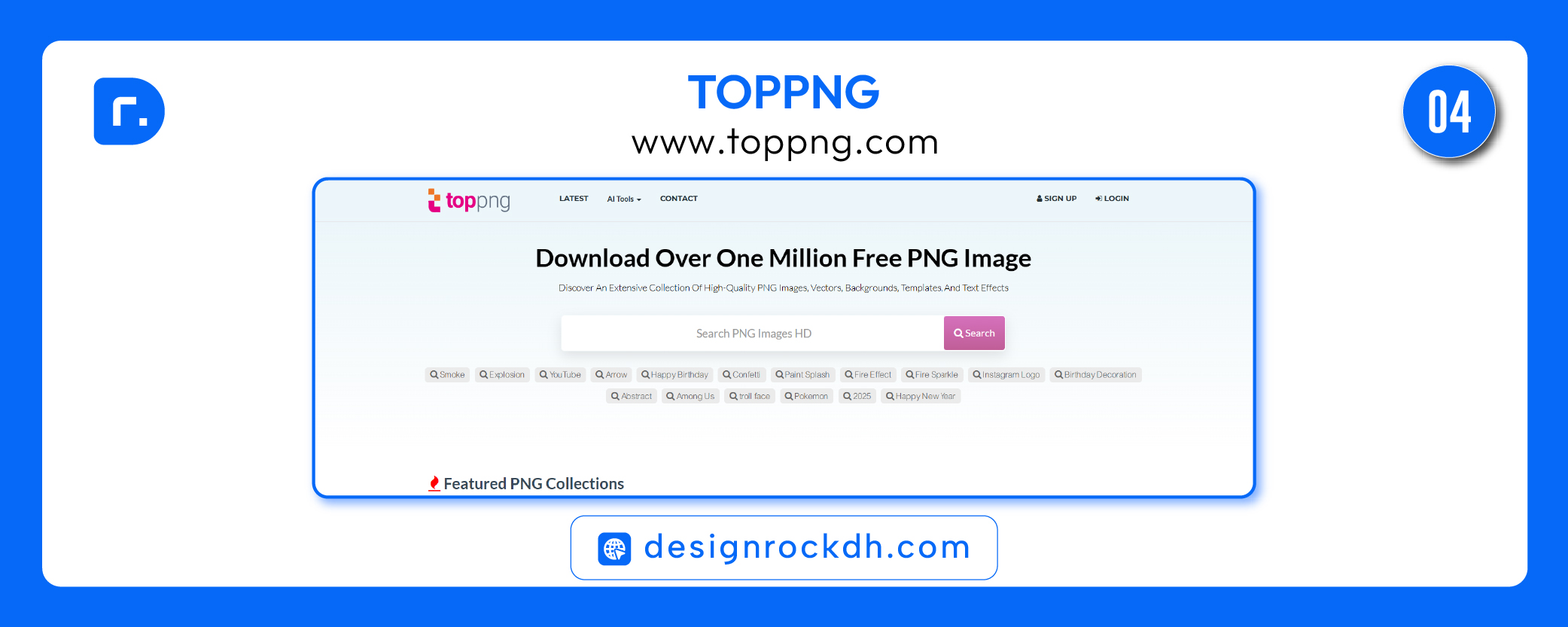
For designers, TopPNG can be helpful when working on creative posters, event graphics, social media posts, birthday designs, festive visuals, or digital banners.
Best for:
TopPNG is best for browsing a wide range of free PNG images, especially decorative graphics, icons, effects, and visual elements.
Design use ideas:
Use TopPNG for social media design, posters, greeting cards, event visuals, YouTube thumbnails, web graphics, and creative compositions.
Important license tip:
TopPNG’s terms are more restrictive than many designers may expect. It is safer to use it for personal or non-commercial projects unless you can confirm permission from the original author. For client or commercial work, always verify the rights before using any asset.
How to Choose the Best PNG Resource Website
Not every PNG website is suitable for every project. The best option depends on your design purpose.
If you need quick PNG elements, CleanPNG and PNGFile can be useful. If you need more professional, license-aware assets, Vecteezy is usually a stronger choice. If you need decorative or inspiration-based PNGs, TopPNG can help, but you should be careful with commercial usage.
Here is a simple guide:
For quick transparent objects: CleanPNG
For professional design assets: Vecteezy
For simple free PNG browsing: PNGFile
For decorative PNGs and inspiration: TopPNG
PNG License Safety Tips for Designers
Free PNG websites are useful, but designers must be careful with licensing. Many PNG websites include user-uploaded content, and not every file is safe for commercial use.
Before using a PNG in a client project, check:
Is commercial use allowed?
Is attribution required?
Is the image original or user-uploaded?
Does the file include a brand logo, character, celebrity, or trademark?
Can the asset be used in merchandise, print-on-demand, packaging, or resale?
Does the website clearly provide license terms?
For professional client work, avoid using PNGs that include famous brands, copyrighted characters, sports logos, celebrity photos, or unclear ownership.
Best Practice for Designers
The safest workflow is to use free PNG resources for inspiration, mockups, personal projects, or low-risk design work. For commercial projects, use assets with clear licensing or premium resources from trusted platforms.
Also, do not simply download a PNG and place it into your design without editing. Try to improve the visual quality by adjusting shadows, color, lighting, blending, size, and composition. This makes your final design look more professional and less like a copied template.
Free PNG resources can make your design workflow faster and easier. Websites like CleanPNG, Vecteezy, PNGFile, and TopPNG give designers access to thousands of transparent graphics for different creative needs.
However, the most important rule is to check the license before using any PNG in commercial or client work. A good designer does not only create beautiful visuals — a good designer also protects the project from copyright and licensing problems.
Use these PNG resources wisely, customize them properly, and combine them with strong typography, layout, color, and composition to create better designs.