A professional profile photo plays an important role in building a strong personal brand. Whether you’re updating your LinkedIn profile, company website, resume, or portfolio, a high-quality headshot helps create a positive first impression and builds credibility.
Today, you don’t need an expensive studio or professional photographer to achieve outstanding results. With advanced AI image generators and a well-written prompt, you can create realistic corporate portraits, passport-style photos, and professional business headshots in just a few minutes.
In this guide, we’ve compiled four carefully selected AI profile photo prompts designed to generate clean, realistic, and studio-quality portraits. These prompts work well with many popular AI image generation tools, including:
- Gemini
- ChatGPT Image Generation
- Midjourney
- Flux AI
- Leonardo AI
- Ideogram
- Stable Diffusion
Whether you’re looking for a polished LinkedIn photo, a corporate headshot, a passport-style portrait, or a professional profile picture, these prompts provide an excellent starting point for creating high-quality AI-generated images.
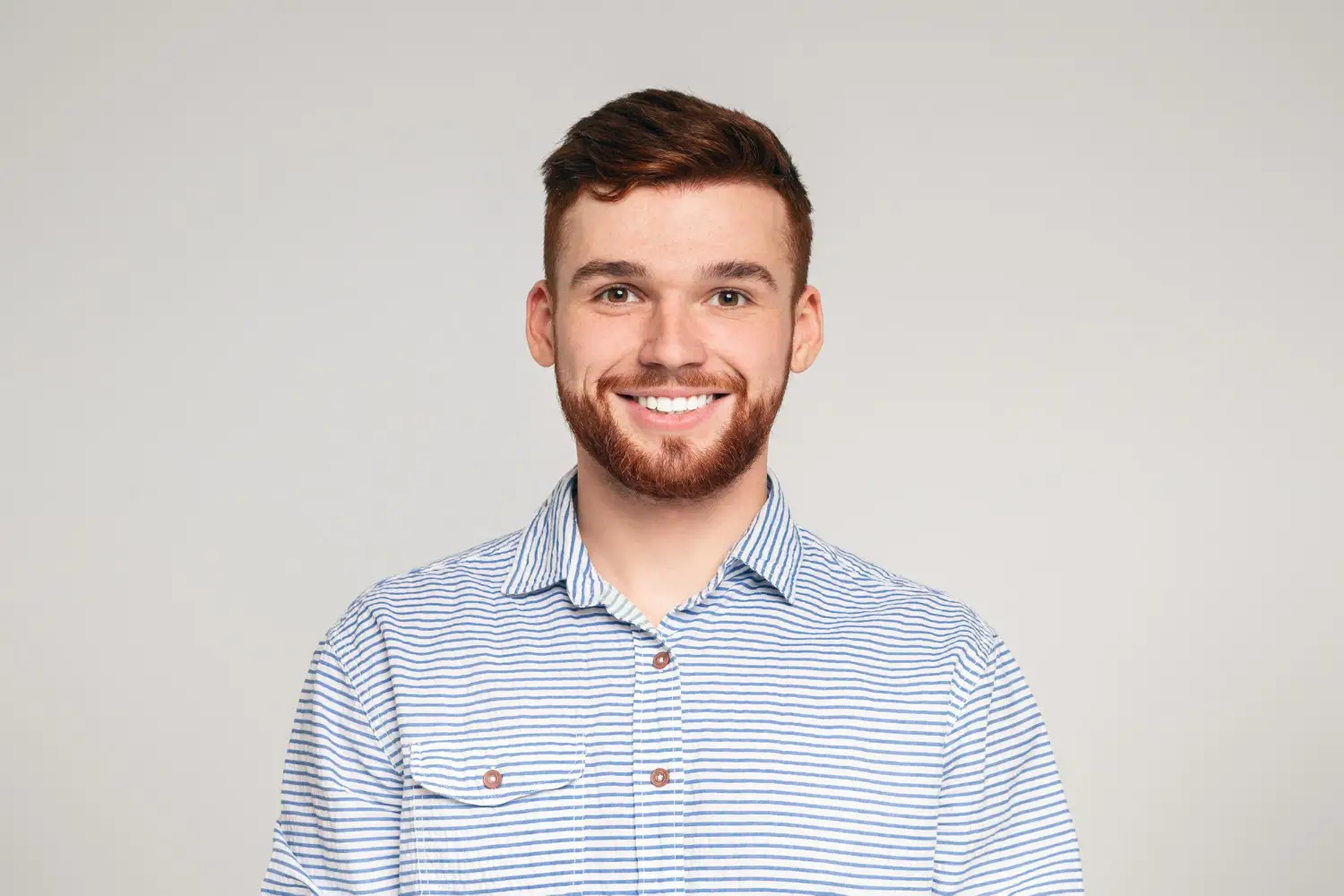
Reference Image
Prompt 1 — Corporate Business Portrait
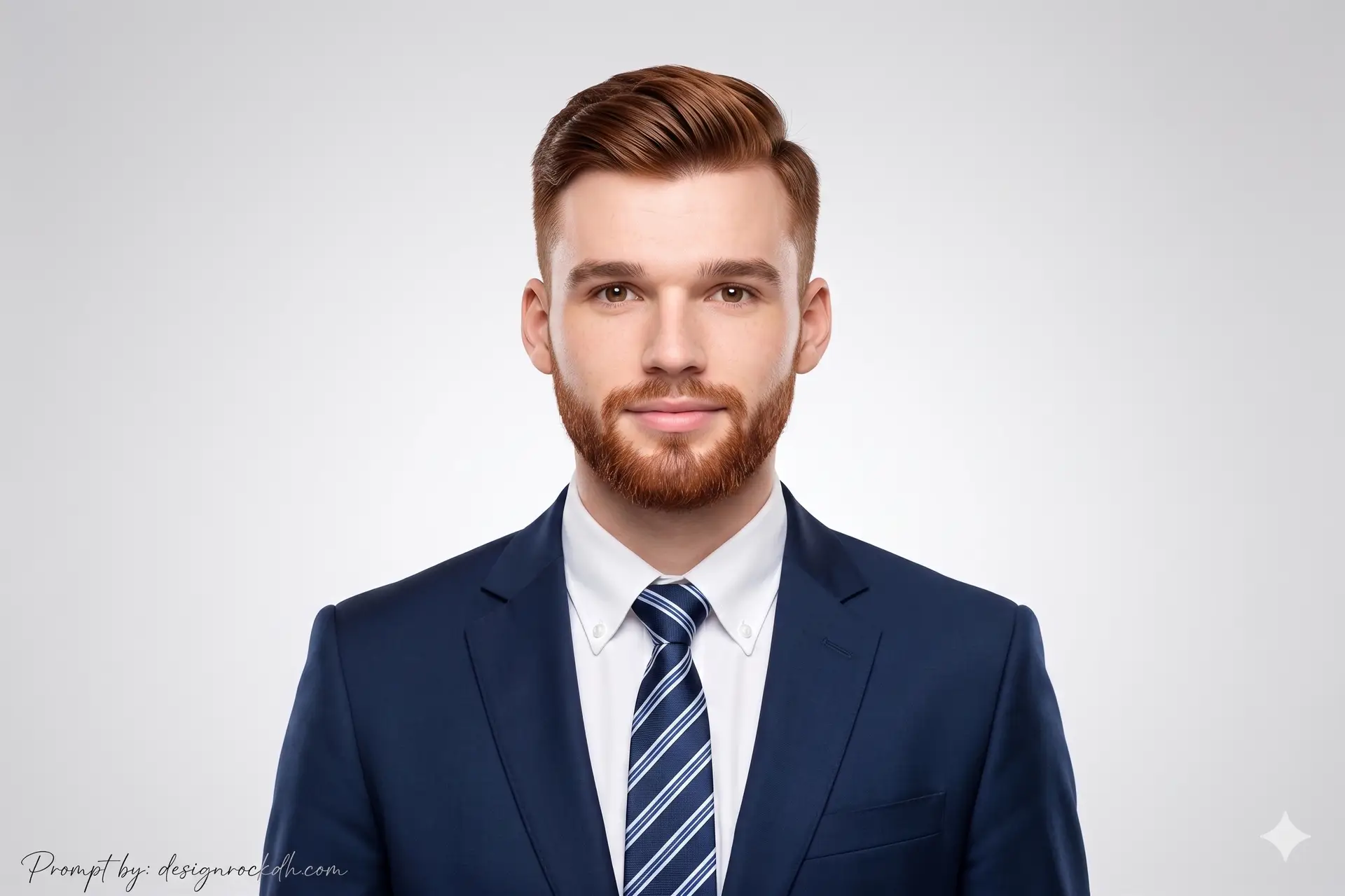
A professional corporate portrait is ideal for executives, entrepreneurs, consultants, and business professionals who want to present a confident and trustworthy image. This style is perfect for professional networking platforms and corporate branding materials.
Best For
- LinkedIn profile photo
- Corporate website profile
- Business presentation
- Executive branding
Prompt:
Create a realistic portrait (100% like the face), High-quality, The image features a young man of Asian descent looking directly at the camera.
Expression: He has a calm, pleasant, and neutral expression with a very slight smile.
Hairstyle: His dark hair is neatly groomed and styled with a side part, showing volume at the top and shorter sides.
Attire & Styling:
Clothing:
– Dark navy or black suit jacket
– Crisp white button-down dress shirt
– Diagonal striped tie in shades of navy blue and white
Style:
Clean, formal, and professional corporate portrait style.
Setting & Composition:
Background:
Plain light gray gradient background brighter in the center and darker at the edges.
Lighting:
Bright and even studio lighting with minimal shadows.
Framing:
Standard head-and-shoulders portrait. Don’t change the face of reference image.
Output:
Prompt 2 — Dark Blue Passport Style Portrait
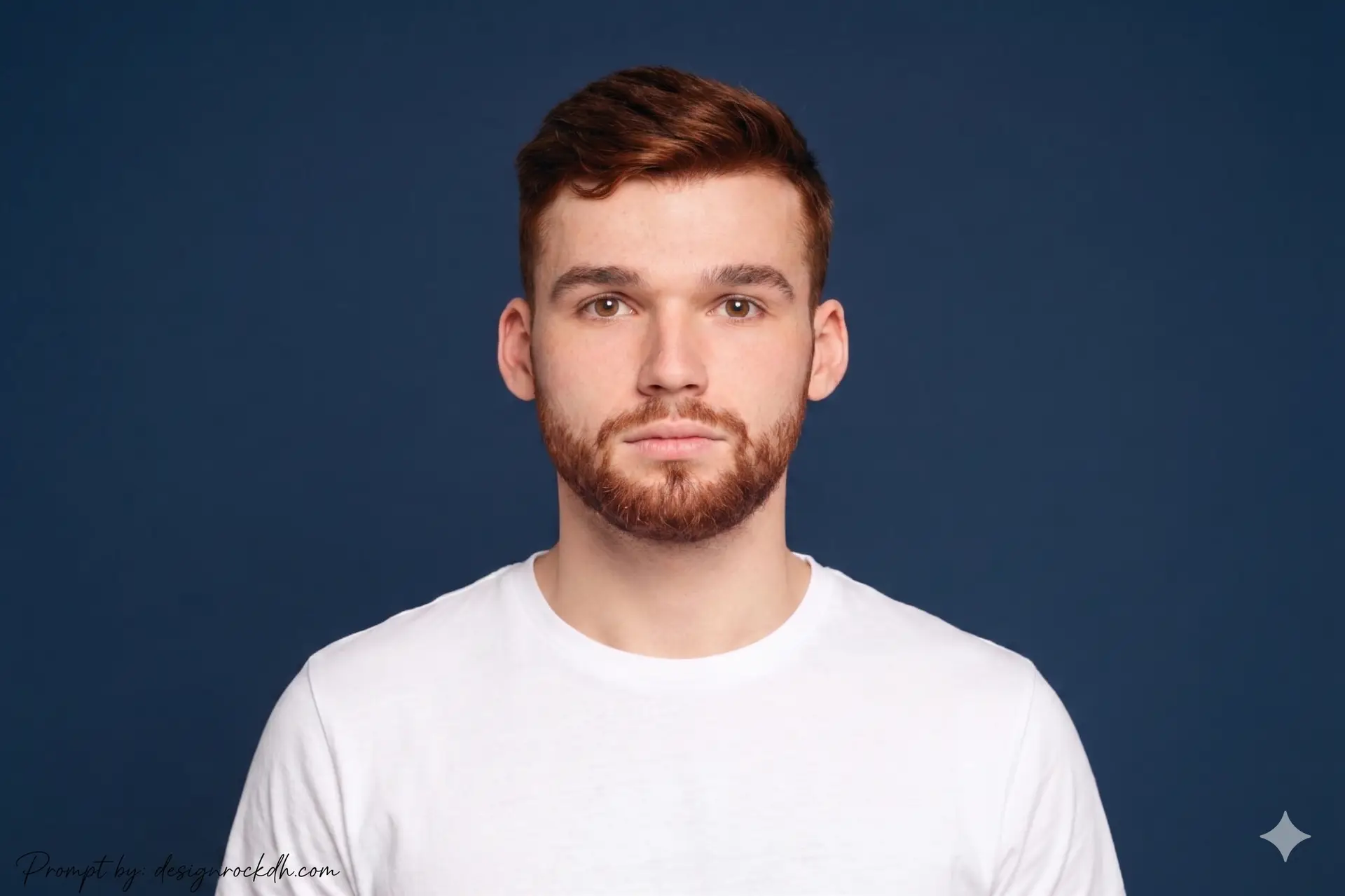
A passport-style portrait focuses on clarity, simplicity, and professionalism. This prompt creates a clean image suitable for official documents, resumes, and identification purposes while maintaining realistic facial details.
Best For
- Passport-style image
- Clean ID photo
- Resume profile photo
- Official documentation
Prompt:
Create a realistic portrait (100% like the face), High-quality. The subject features a young man with dark neatly styled hair, mustache, and short beard.
Expression:
Neutral and composed expression while looking directly forward.
Attire & Styling:
Simple white T-shirt.
Style:
Clean passport-style portrait presentation.
Setting & Composition:
Background:
Solid dark blue background.
Lighting:
Bright and even facial lighting with minimal shadows.
Framing:
Standard head-and-shoulders portrait. Don’t change the face of reference image.
Output:
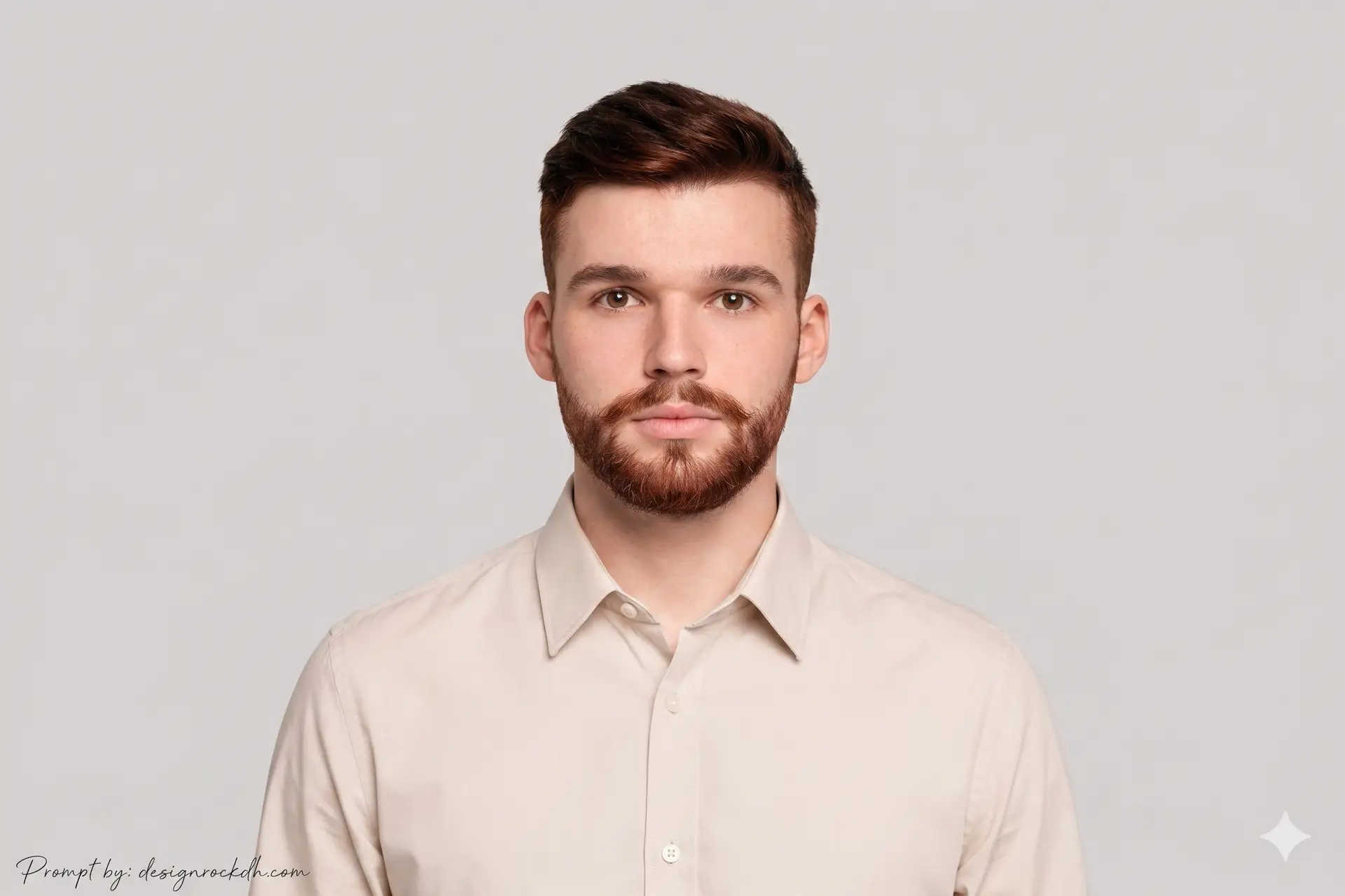
Prompt 3 — Minimal Professional Portrait
Minimal portraits are perfect for modern professionals who prefer a clean and distraction-free appearance. This style works well for creative portfolios, personal branding, and business profiles where simplicity enhances professionalism.
Best For
- Portfolio websites
- Creative professionals
- Personal branding
- Modern business profiles
Prompt:
Create a realistic portrait (100% like the face), High-quality. The image features a young man with dark neatly styled hair, mustache, and short beard.
Expression:
Neutral and composed expression.
Attire & Styling:
Light-colored beige or off-white button-down shirt.
Style:
Clean and modern professional portrait.
Setting & Composition:
Background:
Solid light gray background.
Lighting:
Bright and even lighting across the face.
Framing:
Standard head-and-shoulders portrait. Don’t change the face of reference image.
Output:
Prompt 4 — Simple Studio Portrait
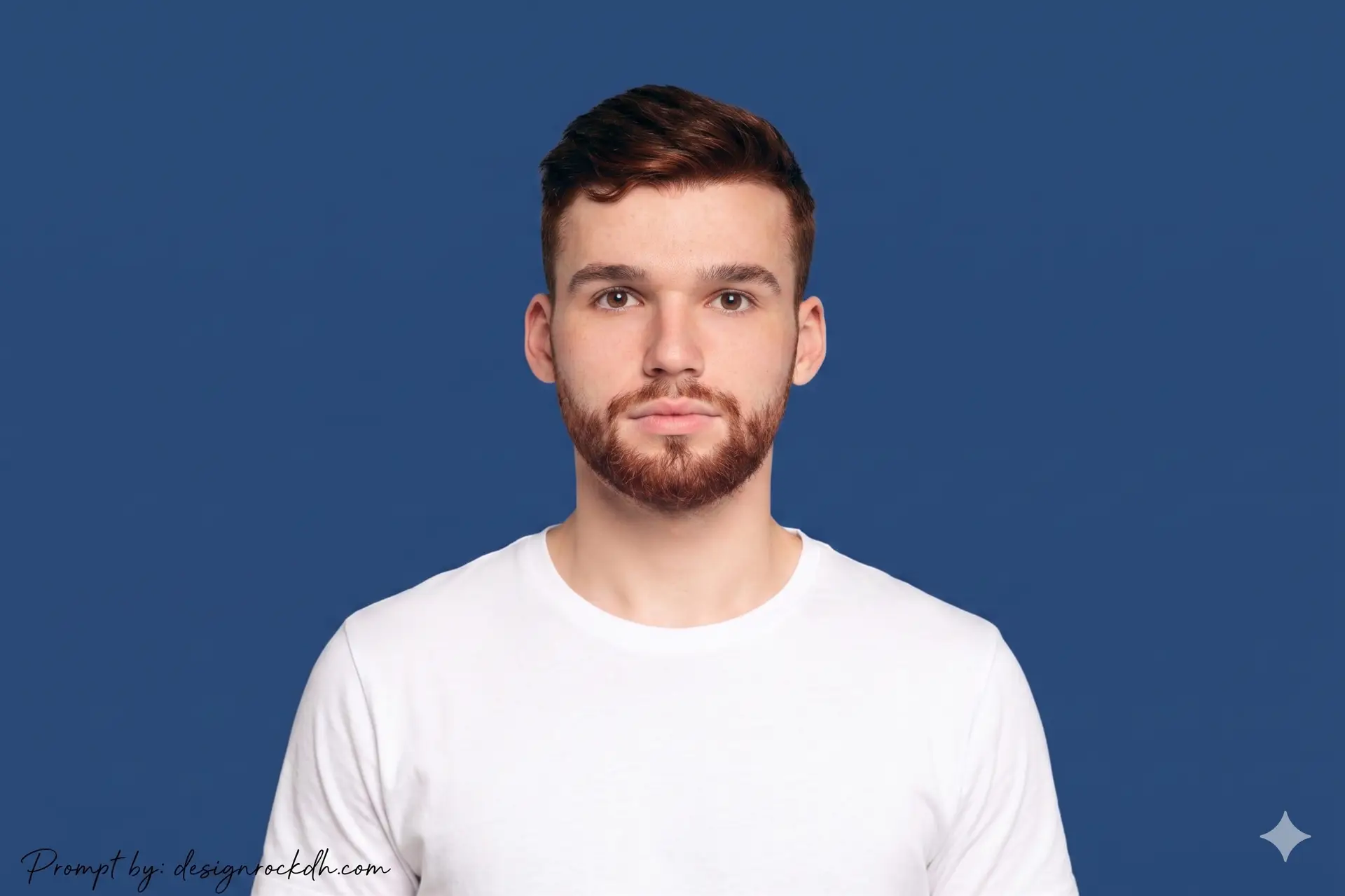
Studio-style portraits provide a polished and timeless appearance that works across almost every professional platform. The clean composition and balanced lighting create a natural, business-ready profile image.
Best For
- Social profile photo
- Professional account profile
- Corporate identity
- AI-generated business photo
Prompt:
Create a realistic portrait (100% like the face), High-quality. The subject features a young man with dark neatly styled hair, mustache, and short beard.
Expression:
Neutral and composed expression.
Attire & Styling:
Simple white T-shirt.
Style:
Clean professional studio portrait.
Setting & Composition:
Background:
Solid dark blue background.
Lighting:
Bright and even studio lighting with minimal shadows.
Framing:
Standard head-and-shoulders portrait. Don’t change the face of reference image.
Output:
Tips for Better AI Profile Photos
To achieve more realistic and professional AI-generated portraits, follow these simple best practices:
- Use a high-resolution reference image with a clearly visible face.
- Avoid heavy filters or excessive image editing before uploading.
- Choose consistent lighting descriptions throughout your prompt.
- Include terms like realistic skin texture, natural facial details, or professional DSLR photography for more authentic results.
- Keep backgrounds clean and uncluttered for a polished appearance.
- Experiment with different clothing colors and backgrounds to match your personal or business brand.
Frequently Asked Questions
Which AI tools support these prompts?
These prompts work well with most modern AI image generators, including ChatGPT Image Generation, Gemini, Midjourney, Leonardo AI, Flux AI, Ideogram, and Stable Diffusion.
Can I customize these prompts?
Yes. You can easily change clothing, background color, hairstyle, lighting, facial expression, or camera angle while keeping the overall structure of the prompt.
Are these prompts suitable for commercial use?
Yes. They can be used for business profiles, company websites, LinkedIn, resumes, portfolios, and marketing materials. Always check the commercial usage policy of your chosen AI platform.
How can I get more realistic results?
Use a high-quality reference image, provide detailed descriptions, and include realistic lighting, natural skin texture, and professional photography terms within your prompt.
Summary
Creating professional AI profile photos has never been easier. With the right prompts and a clear reference image, you can generate realistic corporate portraits that look polished, natural, and ready for professional use.
The four prompts featured in this guide cover a variety of use cases—from corporate headshots and passport-style images to modern professional portraits. Feel free to customize them to match your personal brand, industry, or professional style.
Whether you’re updating your LinkedIn profile, building your portfolio, or strengthening your online presence, these AI prompts provide a reliable foundation for creating high-quality profile photos in just a few minutes.